Slideshare Downloader – Fast & Free 2026
Save the slideshare presentations in PPT, PDF, and Images free. No need to login or registration required.
Notice: Our service is designed for educational purposes only. misuse is not allowed, you agree to the Terms of Use and Privacy Policy.
Trying to save a presentation from SlideShare can be frustrating. The site often asks you to register, log in, or even pay before you can download. That wastes time when all you want is to keep a few slides for offline use.
Slideshare Downloader fixes that. It lets you save any public presentation directly, no sign-up, no payment, no hassle. The tool is fast, safe, and simple, so your favorite slides are ready whenever you need them.
How to Use Slideshare Downloader
This free, web-based service lets you download your desired presentations in just a couple of easy steps.
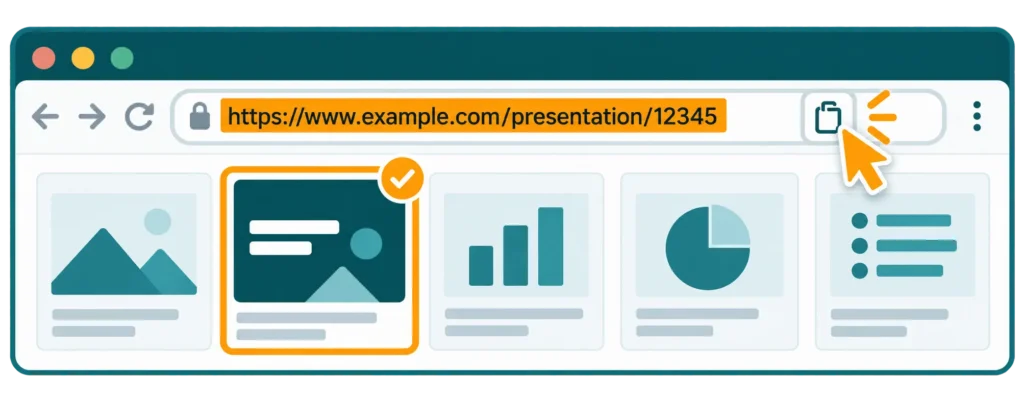
Step 1: Select the Presentation from Slideshare
Visit the official SlideShare website. Browse or search for the presentation, slides, or document you want to download. Once the file opens, copy its URL from the browser’s address bar.
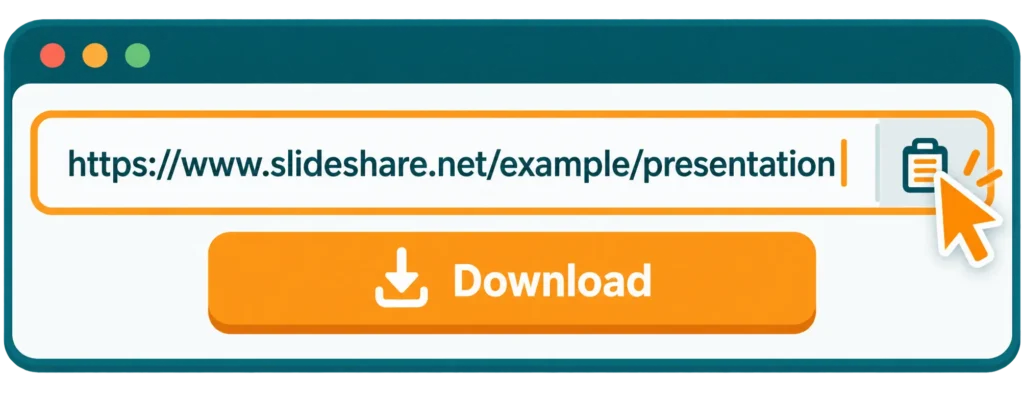
Step 2: Paste the Link in Slideshare Downloader
Next, open slidessdownloader.com. You will see a downloader box at the top and paste your copied SlideShare URL there.
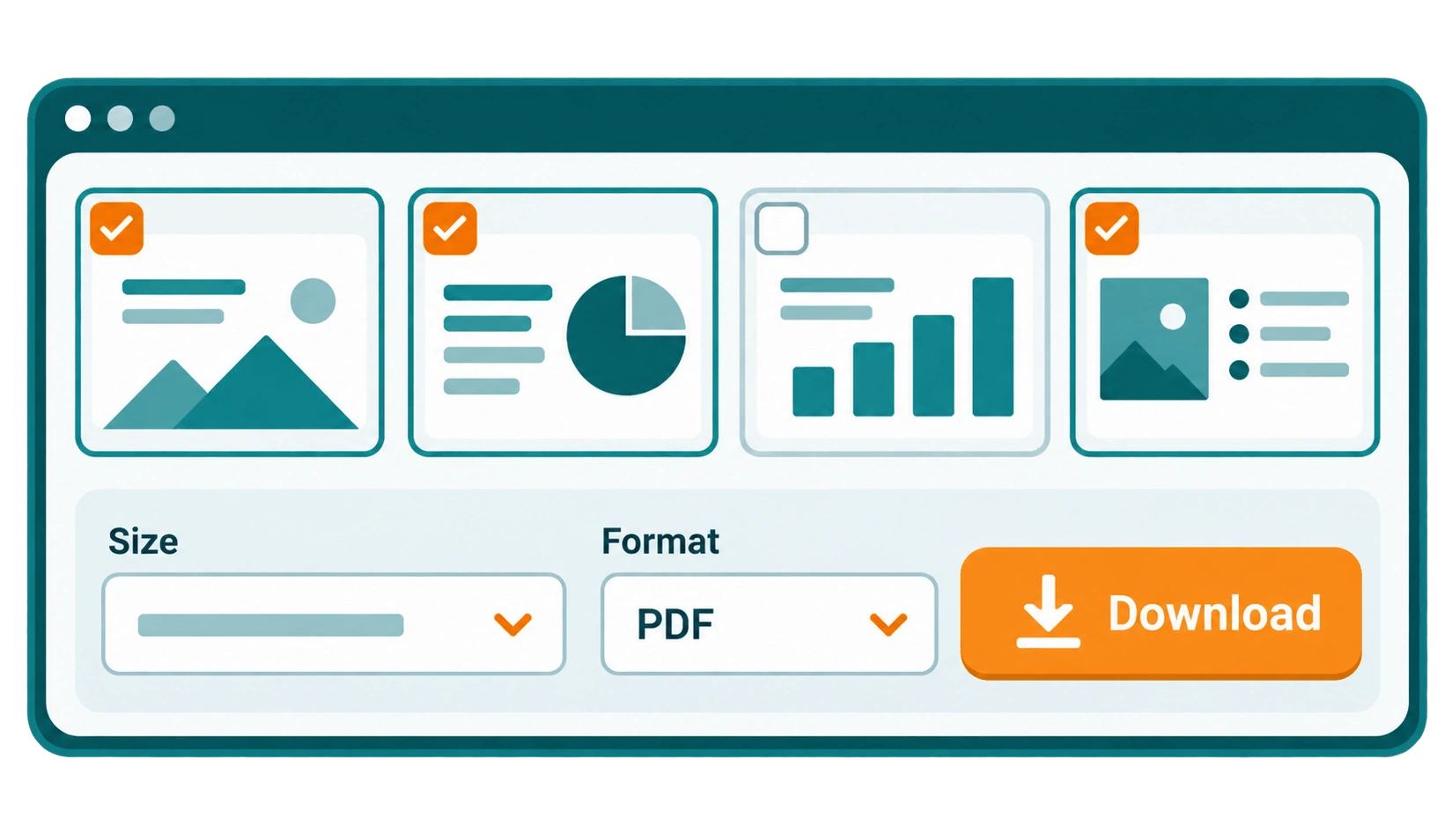
Step 3: Choose a Size and File Format
After processing the link, the tool shows a preview of your slides. From the preview, you can select all slides or deselect any you don’t need. You also get options to choose both the size and the file format of your download.
Once you’ve made your choices, just click Download. The file is generated and saved straight to your device whether you’re on a PC, laptop, or mobile phone.
All done! Your SlideShare presentation is now saved and ready to use. Open it with PowerPoint, Adobe Reader, or Word, depending on the format you chose. You can view, edit, or print your slides anytime, even without an internet connection.
Supported File Formats and Size
File Formats
Sizes
Which Format Should You Choose? (PDF vs PPT vs ZIP)
Not sure which format is right for you? Here is a quick guide.
Read & share
Select PDF if you only want to read, print, or share the slides. A PDF looks the same on every device and opens almost anywhere.
Edit the slides
Pick PPT if you want to edit the slides, change the text, or reuse them in your own presentation. you can open it in ppt or pptx.
Save as images
If you want each slide saved as a separate JPEG image then choose ZIP option. It easy to use for social media, videos, or pick a single slides.
Quick tip: for fast sharing, choose the smaller 320px size. For clear, sharp slides, go with 2048px (Full HD).

What Is Slideshare?
SlideShare is a popular platform where people share and explore presentations. It started in 2006, was acquired by LinkedIn in 2012, and is now owned by Scribd. Over the years it has become a favorite among professionals, educators, and learners. You can find slides on almost any topic. You can browse, save, or upload your own work in just a few clicks. It helps people share knowledge and learn from others without needing advanced tools or skills. Today, SlideShare remains a powerful platform for sharing ideas and learning new things.
What Is Slideshare Downloader?
SlideShare Downloader is a free online tool that lets you download presentations from the SlideShare website in formats like PDF, PPT/PPTX, Word, or a ZIP of images. Normally, SlideShare only allows a download if the uploader has given permission but this tool makes it simple. You just paste the link, choose your format and size, and download. No login, no signup, and no extra steps.
It is helpful for anyone doing research, preparing lessons, or collecting business material. It gives you a quick, reliable way to access slides offline and creates a ready-to-save file for your device.
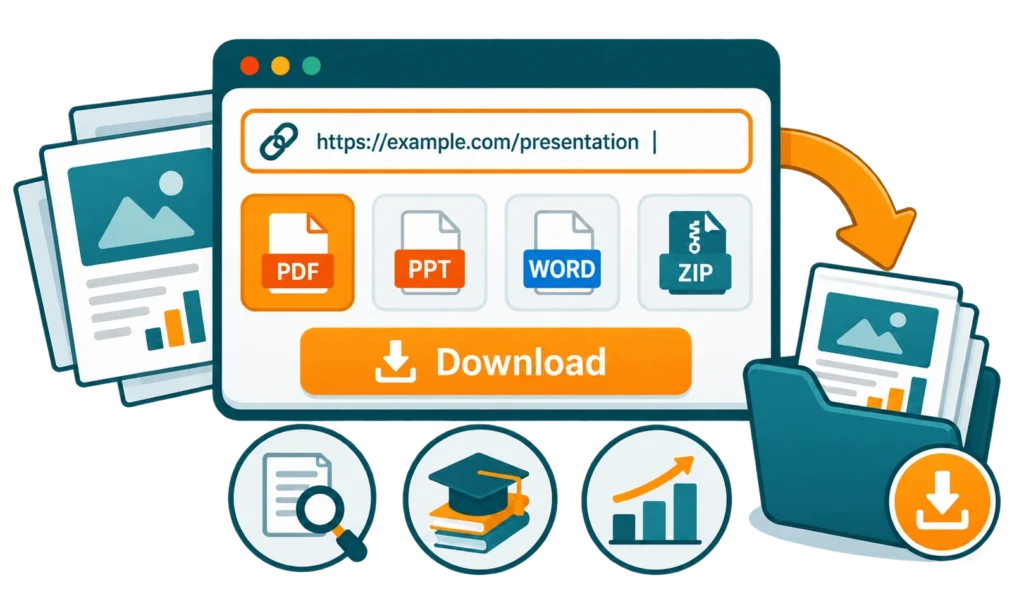
Pro Tip: Slideshare Downloader free is a browser-based tool, so you don’t need to install any app or create an account to use it. But if you’re on a mobile device and prefer an app experience, you can also get the Slideshare Downloader APK. But it works the same on your phone, tablet, or computer, just open it in your mobile browser and download it simply.
Premium Features of Slideshare Downloader
Below are the key features that set this tool apart from others. Each one is designed to make downloading faster and easier.
Unlimited Downloads Without Restrictions
Save as many presentations as you want. This tool is completely free and lets you download unlimited files from SlideShare. Just paste the link and get your slides instantly.
Multiple File Formats
Download your files in different formats like PPT, PDF, or ZIP images. This makes it easy to view, edit, or share a presentation on your preferred device or platform.
Works on All Devices
No matter which device you use, the tool runs smoothly. On a phone, tablet, or computer, it performs well and gives you instant access to your downloads.
Fast & Secure Downloading
Downloads are quick and secure. The tool makes sure your presentations are not damaged in the process, so the quality stays the same when files reach your device.
High-Quality & Original File Retention
Downloaded slides keep their original resolution and formatting. Editable PPTs stay fully editable, so you can make changes, add notes, or customize designs without losing quality or layout.
No Signup Required
You can download files without creating an account, and the tool is completely free. Anyone can save presentations without the trouble of signing up or any hidden costs.
Privacy & Safety Guaranteed
All downloads stay private and secure. You can save important files with confidence, without worrying about unauthorized access or data breaches.
Always Available Online
The tool runs right in your browser, so there is nothing to install. It works 24/7, and you can use it from anywhere as long as you have an internet connection.
Who Can Use Slideshare Downloader?
This tool is made for everyone. Here is how different people use it every day.
Students & Researchers
Save study slides and research material to read offline. It saves time during exams and projects.
Teachers & Educators
Download slides to use in class or share with students. It easy way to keep teaching material in one place.

Business Professionals & Marketers
Save pitch decks, reports, and marketing slides for meetings and ideas. Used it when you need a quick reference to show.
Designers & Content Creators
Choose slides for inspiration or reuse ideas in your own work.
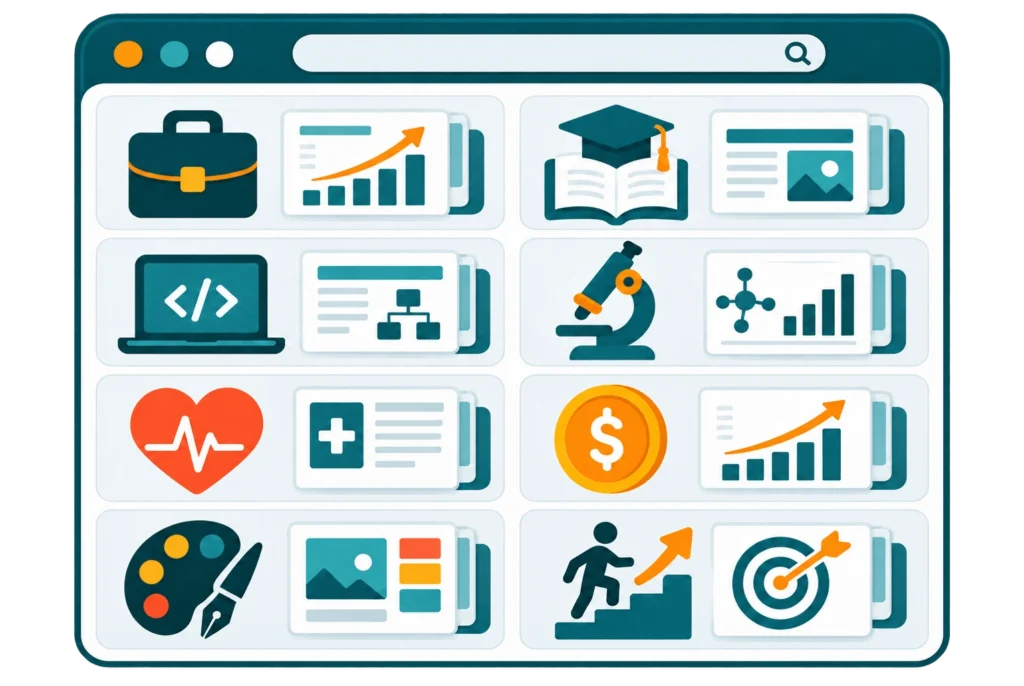
Popular SlideShare Categories & Topics
SlideShare covers almost every subject you can think of. Here are some of the most popular categories people download slides from:
No matter your field, our Slideshare Downloader saves these slides as PDF, PPT, or images for offline use anytime.
Why Download Presentations for Offline Use?
Saving slides on your device has real benefits. Here are the top reasons people download presentations.
Access Slides Without Internet
Once a file is on your device, you can open it anytime — even with no connection. Great for travel or slow internet.
Save Slides Before They Are Removed
Sometimes a presentation is deleted or made private. A saved copy means you never lose what you need.
Use in Meetings, Classes, and Seminars
Offline files load fast and never fail. Present or teach without worrying about a weak signal.
Build Your Own Study Library
Collect useful slides in one folder. Over time, you will have your own handy library of material.
Is It Safe and Legal to Download slides from Slideshare?
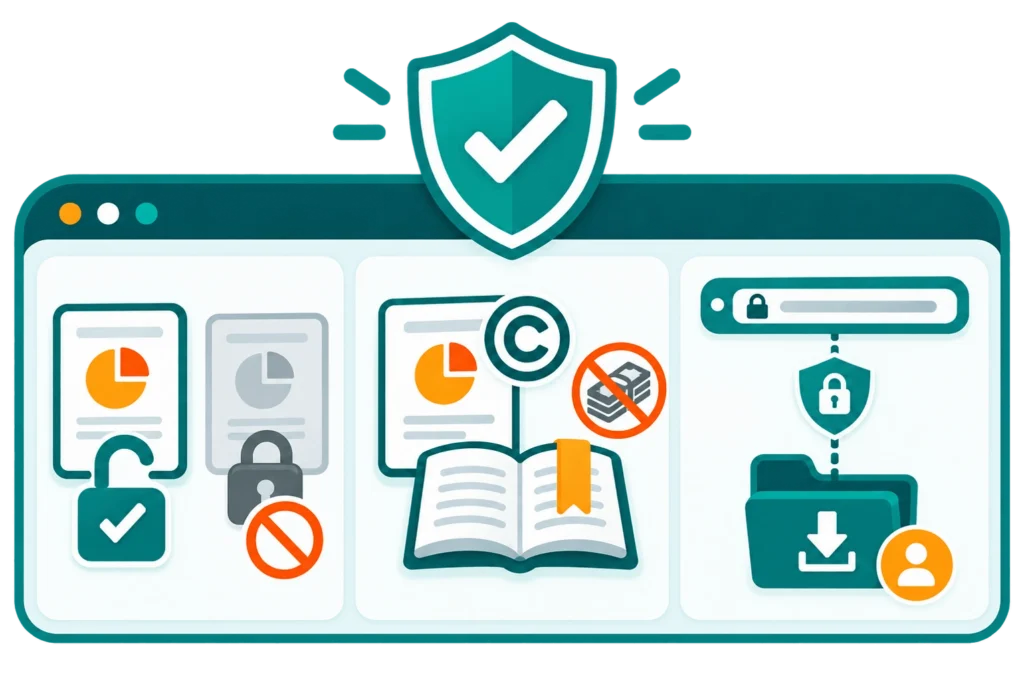
Yes, downloading is safe and legal when you follow a few simple rules.
Public vs Restricted Content
You can only save presentations that are public. Private or locked slides cannot be downloaded, and you should always respect the owner’s choice.
Copyright and Fair Use
Use downloaded slides for personal study, research, or reference. Do not resell or share protected content as your own without permission.
Your Privacy Is Protected
We do not host or store your files. Your links and downloads stay private, and the connection is secure from start to finish.
Downloader vs Manual Screenshots
Some people try to save slides by taking screenshots. Here is why this tool is a much better choice.
The Manual Way (Screenshots)
Screenshots are slow. You capture each slide one by one, the quality is often low, and you cannot edit the text afterward. And It take too much time to make the screenshots of hundered of slides.
The Smart Way (This Tool)
Here you get the whole presentation in one click. The quality stays high, the layout stays intact, and you can pick an editable format. you can download hundered of slides in few seconds without any hussle.
Troubleshooting Common Problems
Running into trouble? Here are quick fixes for the most common issues.
Pros and Cons
Pros
Cons
What Our Users Say
Real feedback from people who use our tool every day.
4.8★★★★★based on 1,200+ user reviews
Frequently Asked Questions
Everything you need to know about downloading and saving public SlideShare presentations.
Final Thoughts
Slideshare Downloader is a great tool for anyone who wants to download presentations quickly and easily. It supports multiple formats like PPT, PDF and Images. It works on all devices, and keeps your files in high quality. Slides are especially valuable for students, educators, professionals, and content creators who like to browse presentations offline.
The tool is fully free with no signup, which makes it easy for daily use. Ready to save your slides? Start using our tool today and keep your favorite presentations just one click away.